
For accounting firms
Your clients’ books, with their permission.
Each client invites you into their Clor workspace with your own login. You work in their books; they decide what you can see and change, and can end it at any time.
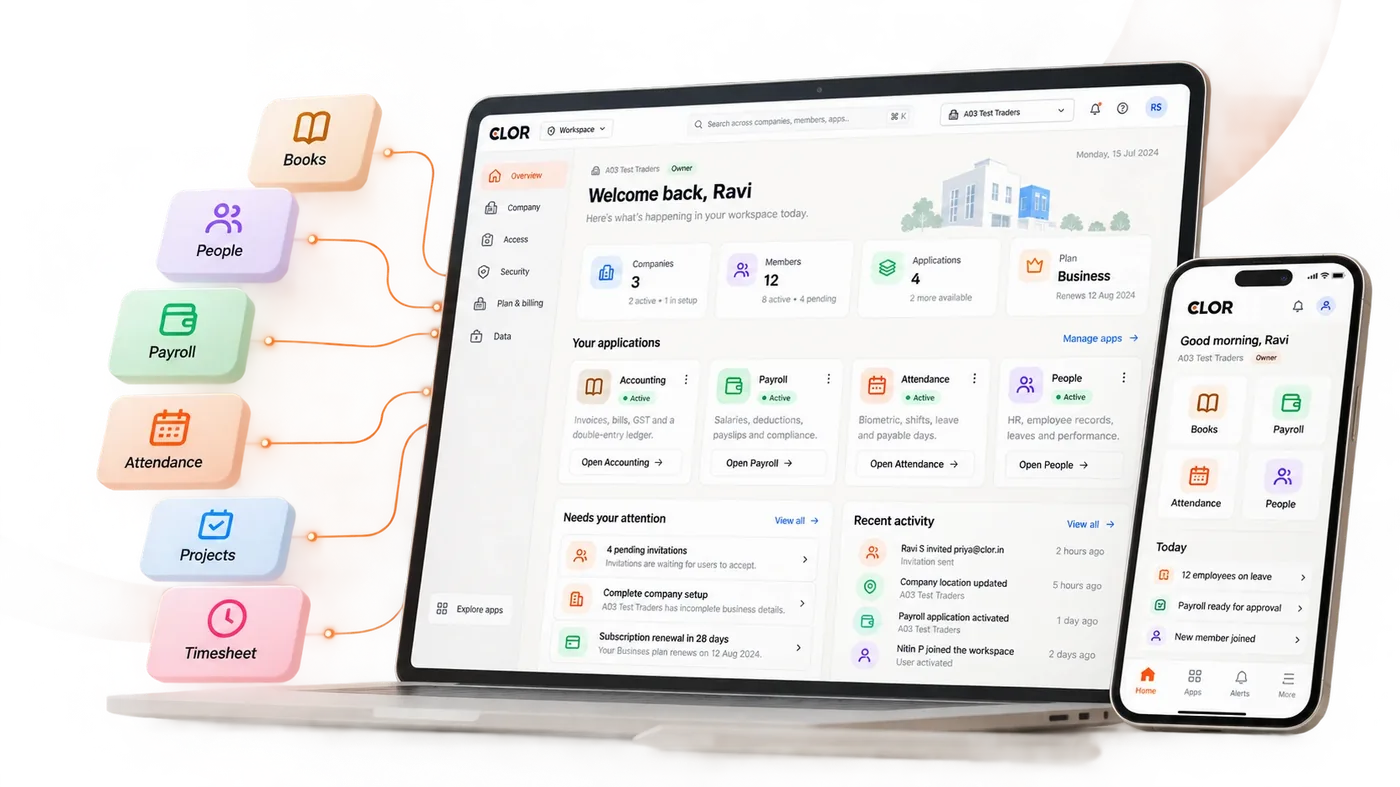
Available today
How firms work with clients on Clor
Your client invites you
The client invites your email address from their Workspace (Access › Invitations). You join with your own login — never theirs.
Every client, one login
Accept invitations from as many clients as you work for, and switch between their companies from the company menu without signing out.
Access the client controls
The client chooses your role — for example, post entries but not approve payments — and can change it or end it at any time.
Time-limited if they prefer
A client can give you outside access that ends on a date they choose (Access › Outside access), for an audit or a filing season.
Everything recorded
Every change you make is in the client’s own audit trail, in plain words, with your name on it.
GST and TDS where the work is
Returns come from the client’s own invoices and bills, so the month’s work is review, not re-entry.
How it works
From invitation to the month’s work
Your client invites you
From their Workspace: Access › Invitations, with your email and the role you need.
You accept with your login
One Clor login for you, whatever number of clients.
Work in their books
Switch between clients from the company menu; each keeps its own records.
They stay in control
The client sees what you changed, and can change your role or end your access.
Planned
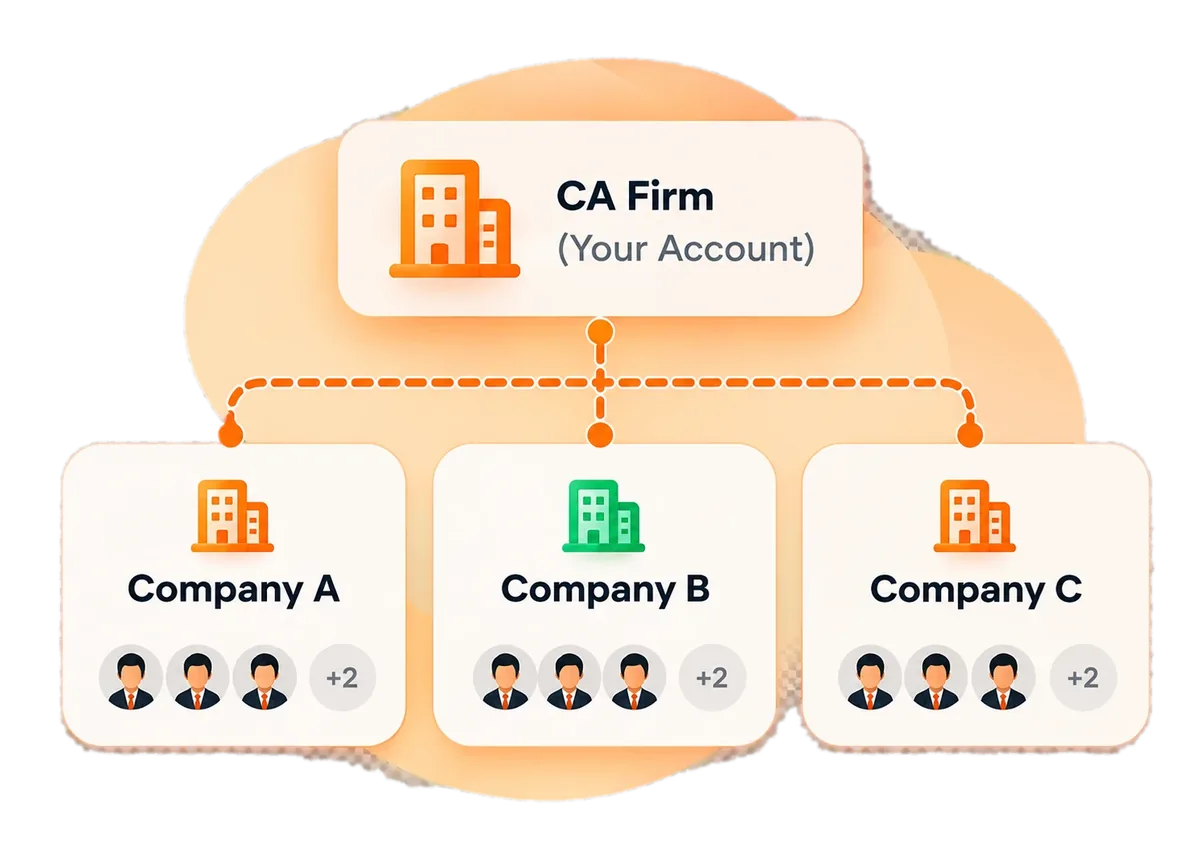
A workspace for the firm itself
In development, not yet available. What we are building:
- Your firm’s own account, with your staff and their roles.
- Client engagements the client approves, with which apps you may use and until when.
- Assigning staff to clients, and one view of who can reach which client.
Plans, not promises: the direction may change before release.
Trust and security
Your data. Always protected.
Built with security, privacy and compliance at the core.
Tenant isolation
Your data stays separate and secure.
Scoped access
Role-based permissions across all applications.
Audit and control
Track activity and manage access.
Secure infrastructure
Built on modern, reliable cloud platform.
Working with clients on Clor already?
Ask your client to invite you from their Workspace: Access › Invitations. Or talk to us about the firm workspace.