
Clor Attendance
Attendance from the reader to the pay run.
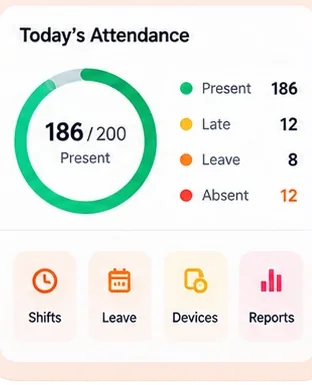
Connect your biometric readers or let people punch from their phone within your sites, set shifts and rules, approve leave and corrections, and close the month for payroll.
- Biometric devices
- Shifts & leave
- Real-time tracking
- Reports

Why Attendance
What it fixes
Readers that nobody can read
Punches arrive from ZKTeco, eSSL, Hikvision and Matrix readers as they happen.
Field staff on the honour system
Phone punches inside a geofence, with a selfie when you want one, and a manager’s approval outside it.
Month end in a spreadsheet
Days are worked out from shifts and rules as punches arrive; closing the month hands them to Payroll.
Inside the app
What’s in Attendance
- Readers
- Biometric and face readers connected to the cloud, enrolled from the employee record.
- Phone punch
- Location and geofences, optional selfie, and approvals for punches away from a site.
- Shifts and rules
- Shifts, rosters, late marks, overtime and weekly offs.
- Leave
- Leave types, balances, requests and approvals, from the employee app.
- Corrections
- Missed punches and on-duty requests, approved by the manager.
- Month close
- Review, close and hand paid days to Payroll; reopen if something changes.
A day in it
A day of attendance
Punch
On a reader at the gate, or on a phone at a client site.
Worked out
The day is marked from the shift: present, late, half day or overtime.
Corrected
A missed punch is requested by the employee and approved by the manager.
Closed
At month end the totals go to Payroll.
Better together
Attendance and the other Clor apps
Attendance works on its own. When you use the others too, these links work for you.
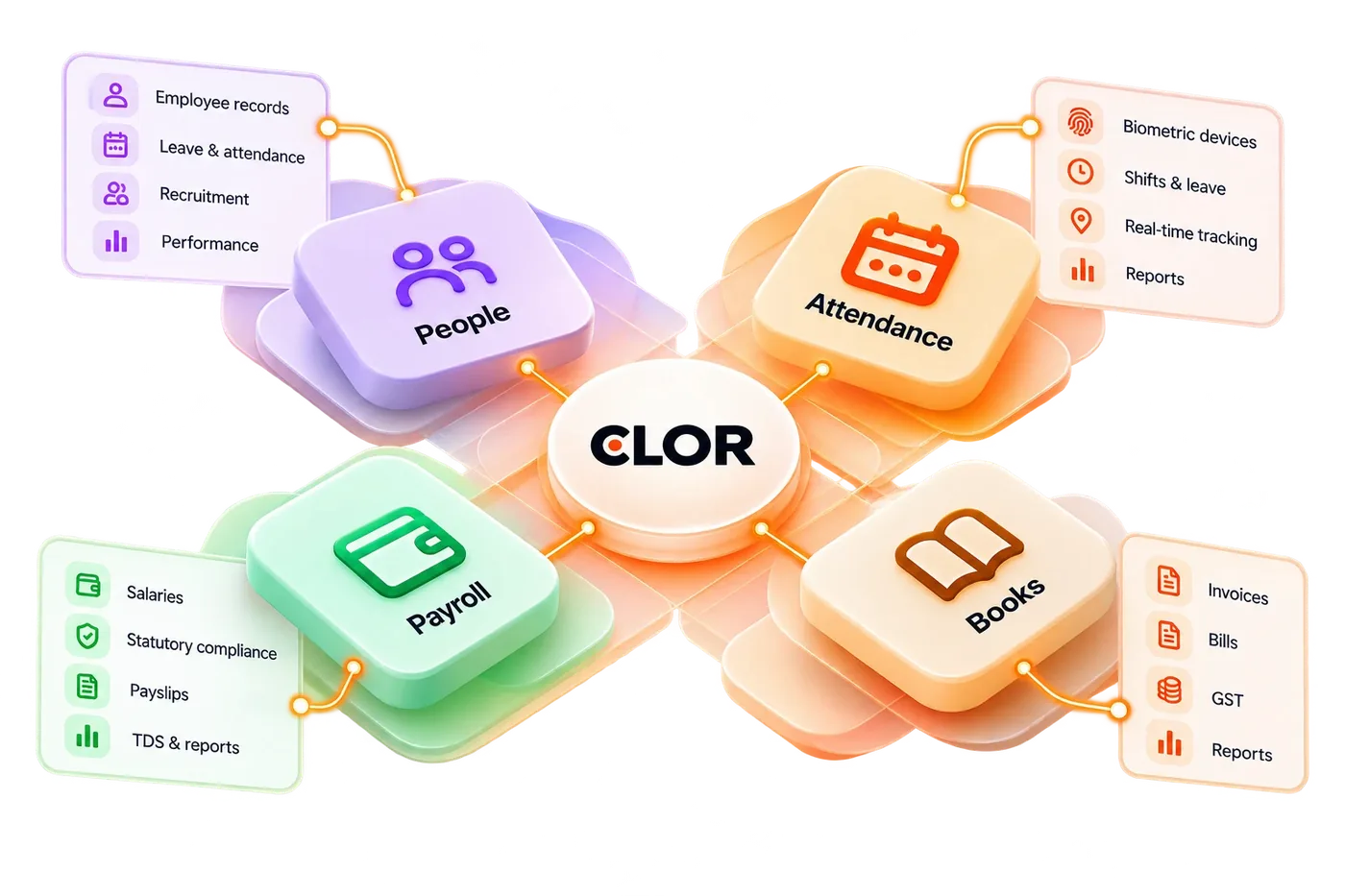
Attendance reads each person from People: one employee, one ID, on every reader.
Clor PeopleClosing the attendance month hands paid days, overtime and leave to the pay run.
Clor Payroll
Anywhere you work
Attendance on every device
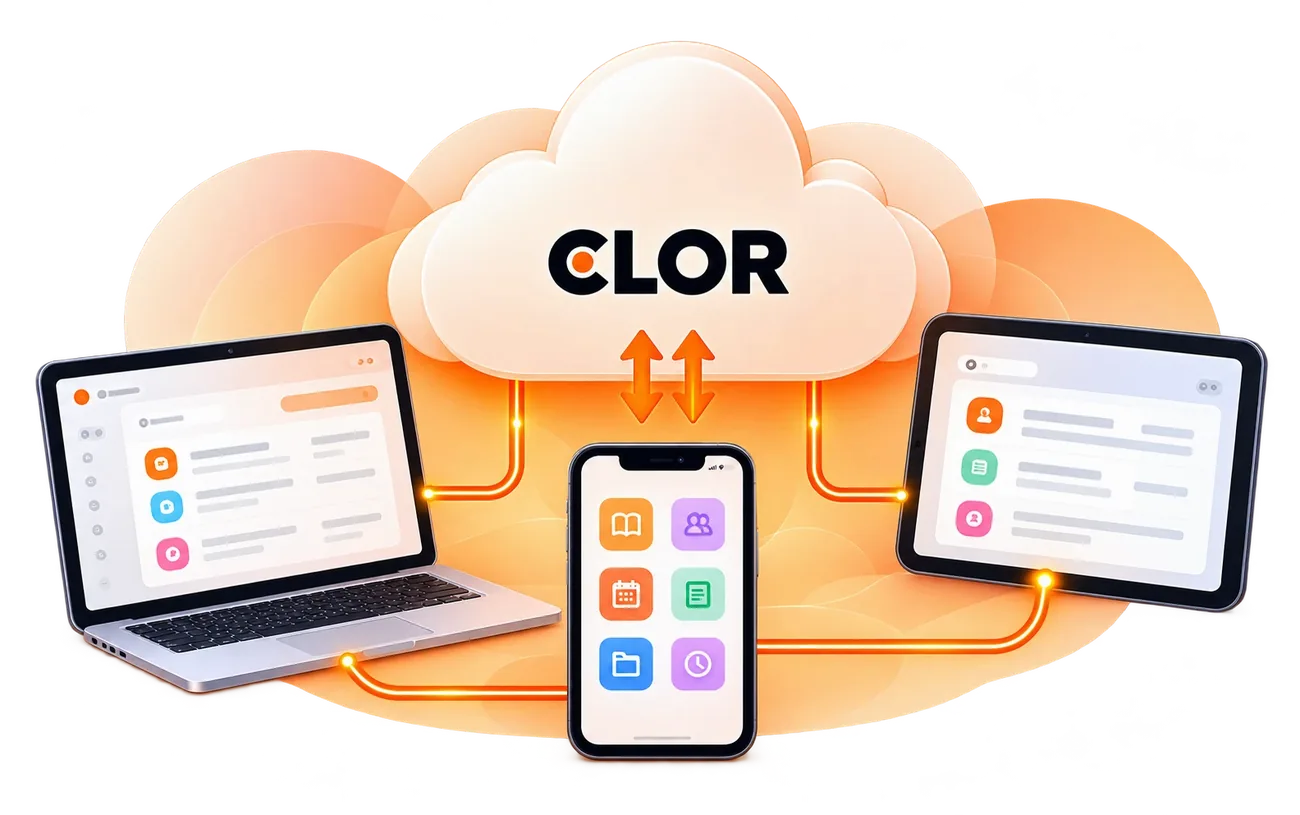
In the browser on any computer, and in the Clor app on your phone. Sign in once; Attendance and your other apps follow you.
How it works
Get started in minutes.
Create your workspace
Sign up and create your account.
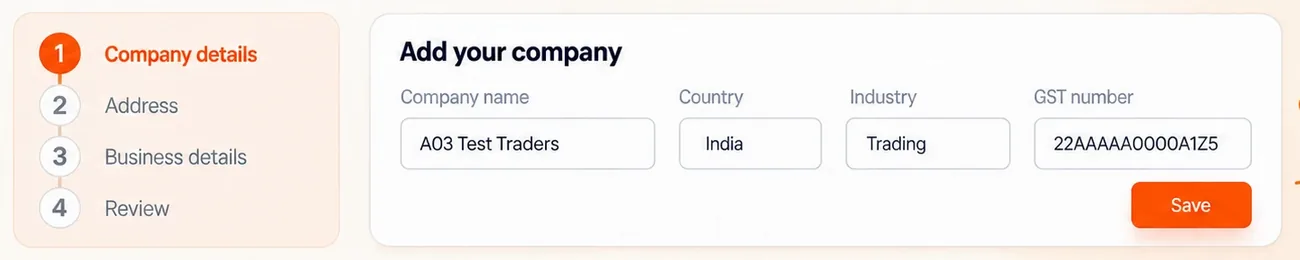
Set up your company
Add your company details and structure.
Choose your applications
Select the apps you need.
Invite your team
Add members and assign access.
Start working
Go live and manage your business.
Access
Who sees what
Managers approve their teams’ leave and corrections; HR sees every site; selfies are kept only as long as the company’s retention period.
Trust and security
Your data. Always protected.
Built with security, privacy and compliance at the core.
Tenant isolation
Your data stays separate and secure.
Scoped access
Role-based permissions across all applications.
Audit and control
Track activity and manage access.
Secure infrastructure
Built on modern, reliable cloud platform.
Questions people ask
Which readers work with Clor?
ZKTeco and eSSL readers over their push protocol, Hikvision and Matrix readers, and others through the on-site connector.
Do phone punches need GPS?
Yes, location is checked against your sites; punches outside them can still be approved by a manager.
Can we use Attendance without Payroll?
Yes. The month’s totals can also be exported for another payroll.
Try Attendance with your own data.
Create a workspace, switch on the app and invite the people who will use it.