
Clor Payroll
Payroll that ends in your books.
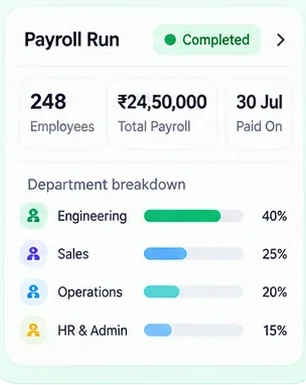
Run salaries with PF, ESI, professional tax and TDS worked out, publish payslips to every employee’s app, and post the run and the payment straight into Books.
- Salaries
- Statutory compliance
- Payslips
- TDS & reports

Why Payroll
What it fixes
Attendance re-typed into payroll
Paid days, overtime and leave arrive from the closed attendance month.
Statutory files built by hand
PF ECR, ESI contributions, PT and Form 16 come out of the payslips themselves.
Salary journals entered twice
Locking the run posts its journal to Books; paying salaries posts the payment.
Inside the app
What’s in Payroll
- Salary structures
- Components, formulas and pay groups, with revisions dated from when they apply.
- Statutory
- PF, ESI, professional tax by state, TDS on salary, and Form 16.
- Pay runs
- Validate, calculate, review and lock, with every change before locking kept.
- Payslips
- Published to the employee app, and kept for as long as the law asks.
- Settlements
- Final settlement with leave encashment and gratuity when someone leaves.
- Accounting
- Journals and payments posted to Books, to the ledgers you choose.
A day in it
One month’s payroll
Attendance closes the month
Paid days, overtime and leave are fixed for the run.
Calculate and review
Every payslip is worked out; differences from last month are shown.
Lock and publish
Payslips reach the employee app; the journal posts to Books.
Pay and file
Record the payment, then download the statutory files.
Better together
Payroll and the other Clor apps
Payroll works on its own. When you use the others too, these links work for you.
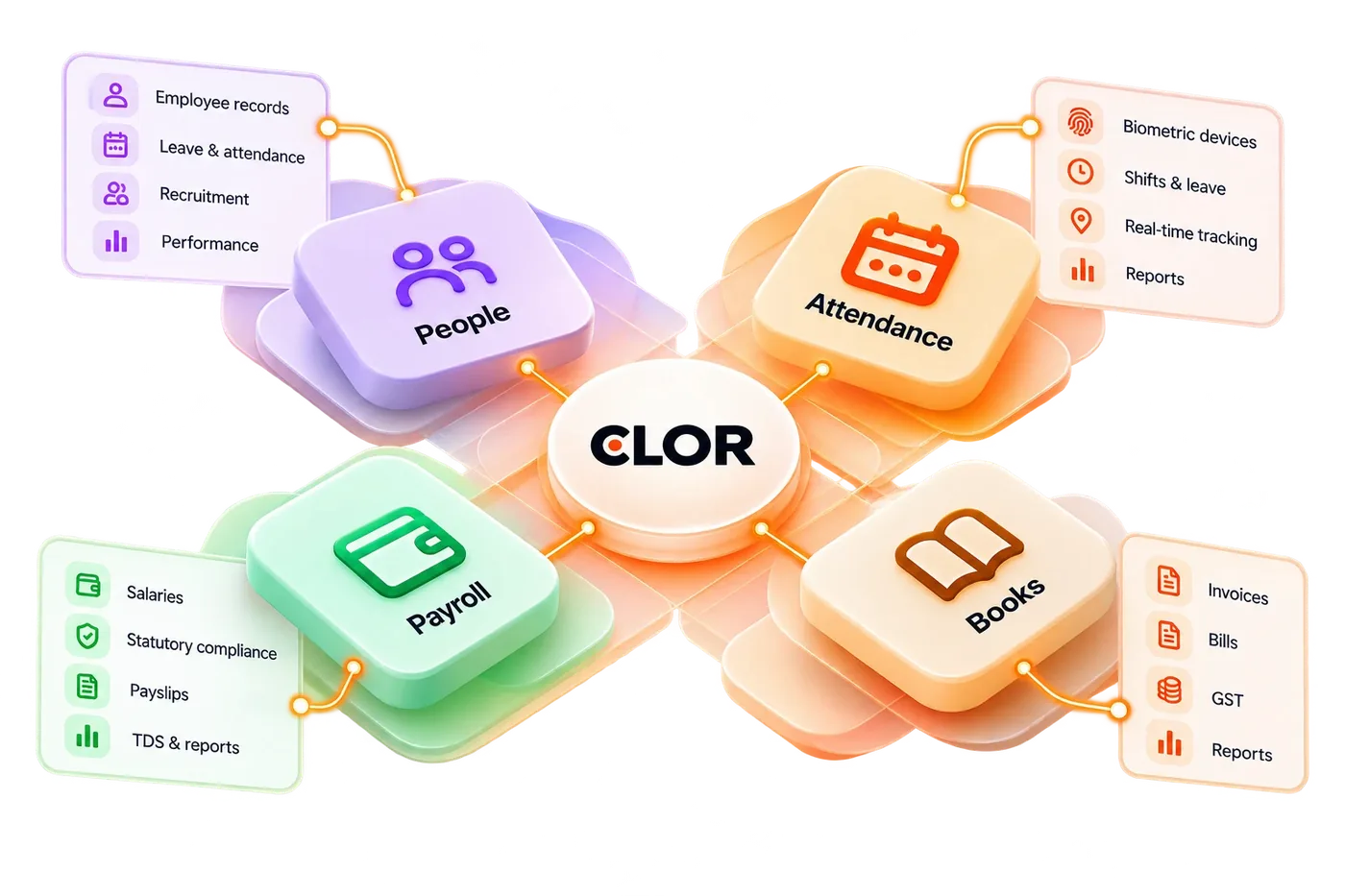
Closing the attendance month hands paid days, overtime and leave to the pay run.
Clor AttendanceLocking a pay run posts its journal to Books; paying salaries posts the payment.
Clor Books
Anywhere you work
Payroll on every device
In the browser on any computer, and in the Clor app on your phone. Sign in once; Payroll and your other apps follow you.

How it works
Get started in minutes.
Create your workspace
Sign up and create your account.
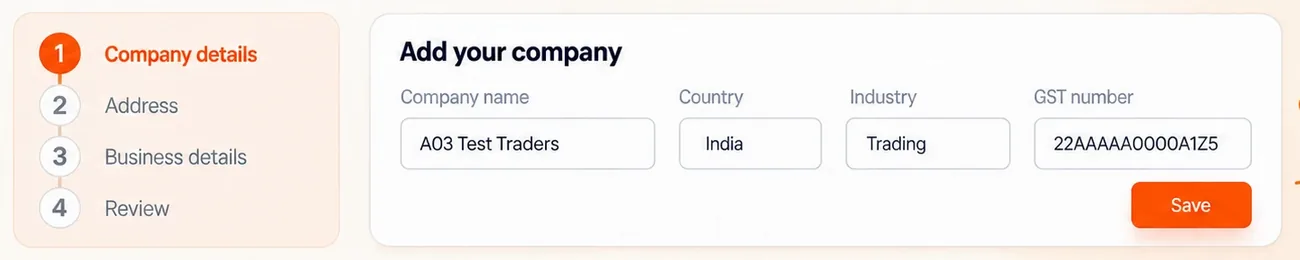
Set up your company
Add your company details and structure.
Choose your applications
Select the apps you need.
Invite your team
Add members and assign access.
Start working
Go live and manage your business.
Access
Who sees what
Payroll staff run the payroll; changes to bank details wait for a second person’s approval; sensitive figures can need an authenticator code to open.
Trust and security
Your data. Always protected.
Built with security, privacy and compliance at the core.
Tenant isolation
Your data stays separate and secure.
Scoped access
Role-based permissions across all applications.
Audit and control
Track activity and manage access.
Secure infrastructure
Built on modern, reliable cloud platform.
Questions people ask
Do I need Books to use Payroll?
No. Payroll works on its own; with Books, the postings happen for you.
Which states’ professional tax is covered?
Professional tax is set per state for each employee’s work location.
Can I correct a locked run?
Corrections go into the next run as adjustments, so the locked payslips stay as issued.
Try Payroll with your own data.
Create a workspace, switch on the app and invite the people who will use it.